Money Apps 101: How to Take Control of Your Cash in 2026
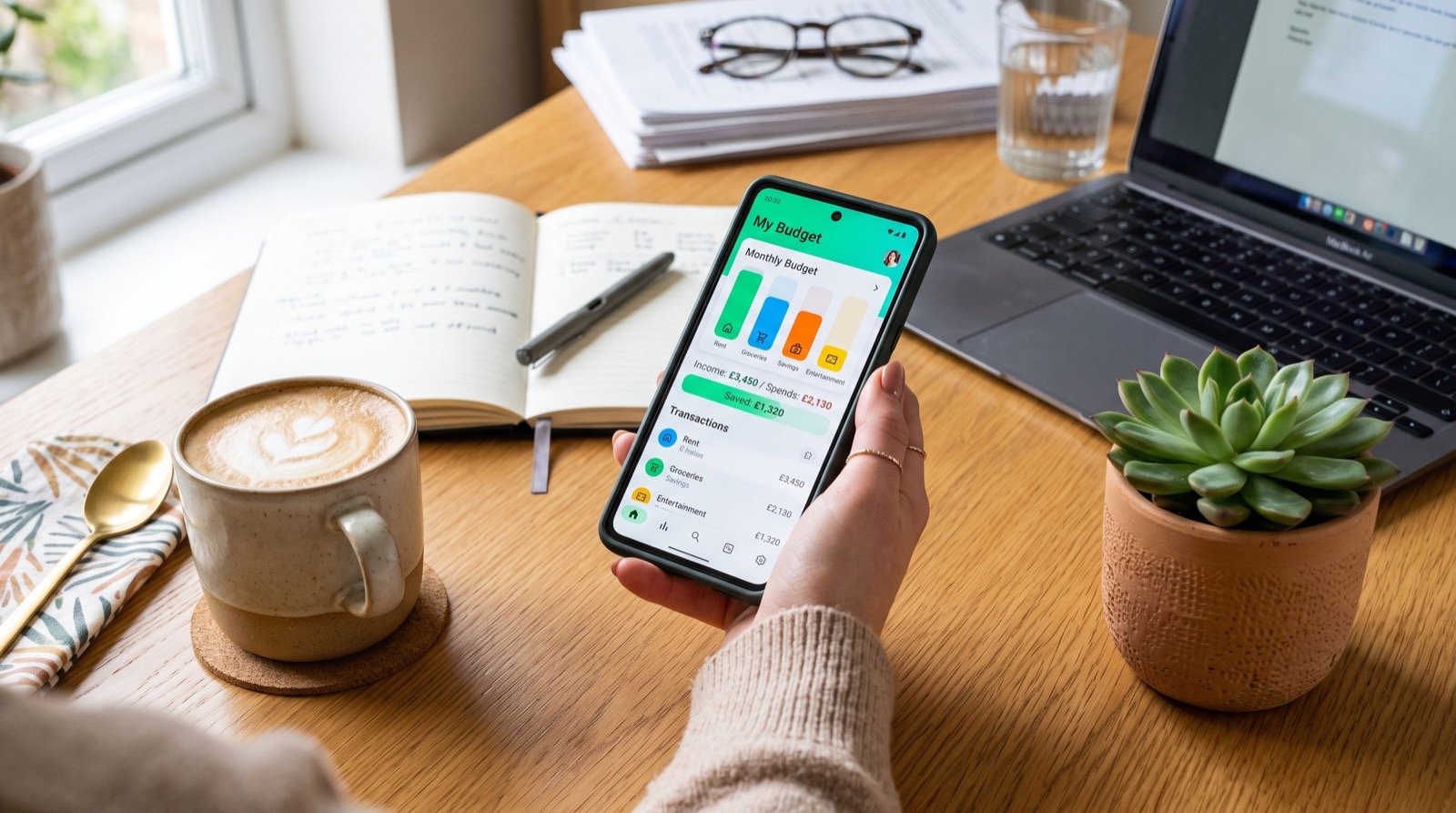
Modern money apps have quietly reshaped how households run their finances. Instead of shoeboxes of receipts and a once-a-month panic over the bank statement, you now get real-time insight in your pocket. In 2026, these tools do far more than show a balance; they nudge, categorize, and automate until good habits run almost by themselves. This guide walks a beginner through using them well.
My own turning point came when I stopped treating budgeting as a chore and let an app handle the heavy lifting. Within a few months I spotted recurring subscriptions I had forgotten, trimmed needless fees, and finally built a small cushion. The lesson was clear: the right tool, used consistently, beats willpower every time.
What Money Apps Actually Do For You
At their core, money apps connect to your accounts and translate raw transactions into a story you can read at a glance. They sort spending into categories, flag unusual charges, and project whether you will end the month in the black or the red. The best ones make this feel effortless.
Different tools emphasize different jobs. Some focus on budgeting, others on automated saving, and still others on sending money to friends. Understanding the job you need done is the first step to avoiding a cluttered, confusing phone.
The Four Jobs Most People Need
- Tracking — knowing where every dollar goes.
- Budgeting — assigning money to categories before you spend.
- Saving — automating transfers toward clear goals.
- Sending — paying people quickly and splitting shared costs.
Pick the one or two jobs that cause you the most stress today, and start there. You can always add tools later as your confidence grows.
Setting Up Your First App the Smart Way
Getting started well prevents frustration later. Follow this simple sequence when you open a new tool for the first time:
- Verify the provider is regulated and clearly discloses its fees.
- Enable multi-factor authentication before linking anything.
- Connect one primary account and watch the sync for a week.
- Set two or three realistic goals rather than a dozen vague ones.
- Schedule a five-minute weekly check-in to review categories.
If you want a shortlist of vetted options before you commit, browse a roundup of reliable money apps and compare them against your top job. A little research up front saves plenty of app-switching down the road.
Why the Setup Phase Matters So Much
Most people abandon a finance app in the first two weeks, usually because the initial setup felt tedious or the data looked wrong. Spending twenty careful minutes at the start, and confirming each linked account syncs correctly, dramatically raises the odds you will stick with it. Consistency, not perfection, is the goal.
Comparing Free and Paid Tiers
Many tools offer a generous free plan, with premium features behind a subscription. The table below shows what each tier typically includes so you can judge whether paying is worthwhile.
| Feature | Free Tier | Paid Tier |
|---|---|---|
| Account syncing | 1–2 accounts | Unlimited accounts |
| Spending categories | Basic, automatic | Custom and rule-based |
| Reports | Monthly summary | Trends, forecasts, exports |
| Support | Help articles | Priority chat or phone |
For many beginners, the free tier covers everything they need for the first year. Upgrade only when a specific limitation starts to cost you time or money.
Building Habits That Actually Stick
Technology helps, but habits make the difference. These practices turn an app from a novelty into a genuine financial ally:
- Check your dashboard at the same time each week.
- Rename vague transactions so categories stay accurate.
- Celebrate small wins, like a first fully funded goal.
- Review subscriptions every quarter and cancel the dead weight.
When you are ready to expand your toolkit, compare the best money apps for your next priority, whether that is investing or automated saving. Adding one tool at a time keeps the learning curve gentle.
For broader financial education that complements any app, the U.S. Securities and Exchange Commission’s Investor.gov offers free, unbiased lessons on saving and investing basics. Pairing solid knowledge with a good app is a powerful combination.
A Word on Expectations
No app can promise wealth or guarantee investment returns. These tools remove friction and sharpen awareness; they do not change market risk or create money from nothing. Treat any product claiming guaranteed profits as a red flag and keep your expectations grounded in reality.
When comparing providers, it also helps to read assessments from a reputable service experts perspective, since seasoned reviewers test reliability over months rather than minutes.
Common Mistakes Beginners Make
Even great tools cannot rescue a sloppy approach. After helping friends set up their first apps, I keep seeing the same avoidable missteps. Knowing them in advance saves frustration and keeps you on track.
- Linking every account at once — start with one and expand slowly.
- Setting too many goals — three clear goals beat a dozen vague ones.
- Ignoring miscategorized transactions — a few minutes of cleanup keeps data trustworthy.
- Chasing every new app — novelty fades; consistency compounds.
Avoid these traps and your app becomes a quiet, dependable habit rather than another abandoned icon.
How to Recover If You Fall Off Track
Everyone misses a week or overspends now and then. The difference between people who succeed and people who quit is simple: successful users open the app again instead of hiding from it. Reset your categories, note what happened, and resume. One rough month does not erase months of progress, so treat a slip as data, not defeat.
Frequently Asked Questions
What is the difference between money apps and online banking?
Online banking shows your accounts at a single institution. Money apps often aggregate several accounts, add budgeting and saving features, and present insights your bank may not offer. Many people use both together for a fuller picture.
Do money apps keep my data secure?
Reputable apps use strong encryption and multi-factor authentication, and regulated providers follow strict data rules. Still, your own habits matter: use unique passwords and review linked accounts regularly to keep everything safe.
Can a money app help me get out of debt?
Yes, indirectly. By revealing spending patterns and automating payments, an app makes it easier to follow a payoff plan. It will not erase debt on its own, but it keeps you focused and accountable month after month.
How soon will I see results from using a money app?
Most people notice clearer spending awareness within the first month. Meaningful savings usually build over three to six months of consistent use. Patience and steady check-ins matter more than any single feature.
Conclusion
Learning to use money apps well is one of the most practical money moves you can make in 2026. Start with the job that stresses you most, set up one tool carefully, and protect it with strong security habits. Keep your expectations realistic, lean on trusted reviews, and let automation turn small, repeated actions into lasting progress. With a thoughtful approach, your phone becomes a calm, capable partner in managing every dollar that passes through your hands.